What is a Touch Screen Display and How Does It Work?
A touch screen display has become a crucial part of modern technology. It's found in smartphones, tablets, and kiosks. These displays allow users to interact directly with what they see. This interaction is often faster and more intuitive than traditional methods, like keyboards.
The working principle of a touch screen display involves detecting touch points on the screen. Users can tap, swipe, or pinch to control their devices. This capability adds a layer of convenience. However, touch screens can sometimes misinterpret inputs. A user might accidentally tap the wrong icon. Such errors can lead to frustration, which reminds us that technology is not always perfect.
In the fast-paced world of digital devices, touch screen displays are everywhere. They enhance user experience, but they can also complicate tasks. Understanding how these displays work can help users navigate their devices more effectively. Embracing both their advantages and limitations is essential in our tech-driven lives.
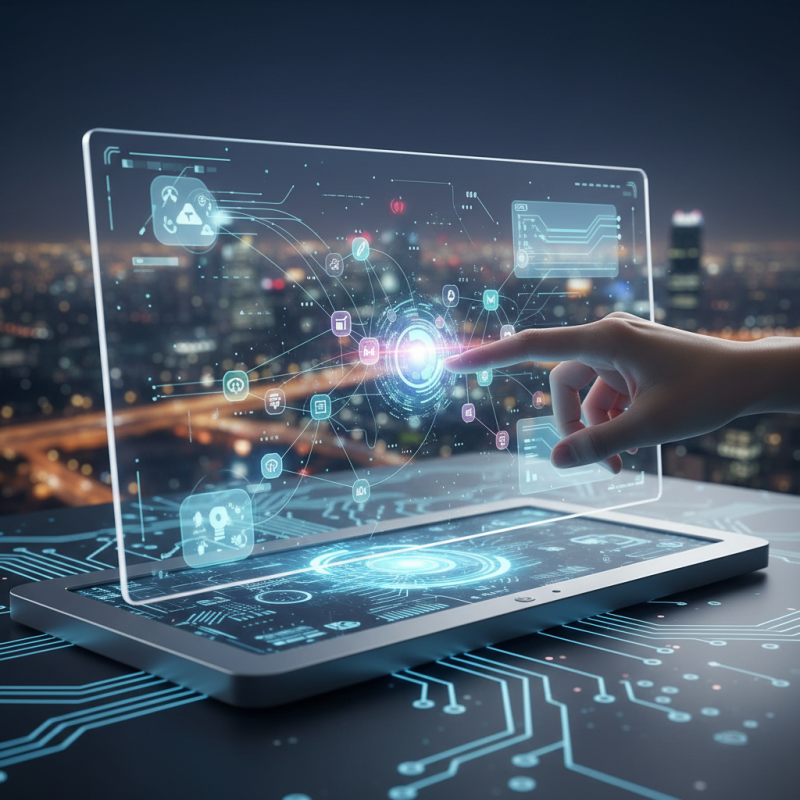
What is a Touch Screen Display?
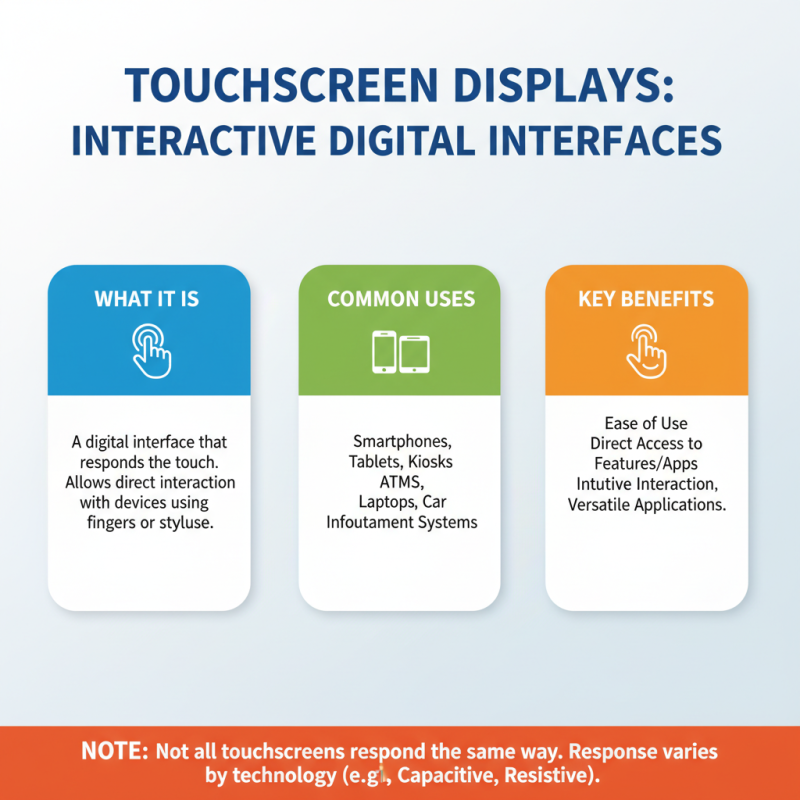
A touch screen display is a digital interface that responds to touch. It allows users to interact with devices using fingers or styluses. This technology has become common in smartphones, tablets, and kiosks. It offers a direct way to access features and apps. The ease of use makes it popular in many settings. However, not all touch screens respond the same way.
The basic function of a touch screen involves input detection. When you touch the screen, sensors detect the action. Capacitive and resistive are the two main types of touch screens. Capacitive screens use electrical conductivity, while resistive screens rely on pressure. Each type has strengths and weaknesses. Capacitive screens are often more responsive, but resistive screens can be used with any object.
Despite advancements, touch screens are not flawless. Scratches or dirt can interfere with their sensitivity. Users may find themselves frustrated by unregistered touches. But they have transformed how we interact with technology. In many ways, they bring convenience to our daily lives. Yet, there’s always room for improvement in user experience and durability.
Types of Touch Screen Technologies Explained
Touch screen technology has revolutionized how we interact with devices. There are several types of touch screen technologies. Each has its unique strengths and weaknesses.
One popular type is resistive touch screens. They consist of multiple layers that register touch through pressure. They are cost-effective but may lack clarity and responsiveness. Market reports show that resistive screens represent around 15% of the global touch screen market. Many find them less sensitive compared to other technologies.
Capacitive touch screens use the electrical properties of the human body. This type is more responsive and provides better image quality. Capacitive screens dominate the market, holding over 75% share. Users find them intuitive, but they can be less effective when used with gloves or in wet conditions. Infrared and optical touch screens offer alternative methods. They are often employed in kiosks and large displays. Each technology has trade-offs. Understanding these can help users choose the right option for their needs.
How Touch Screen Displays Detect Input
Touch screen displays have transformed user interfaces across devices. They allow for intuitive interaction, making technology accessible. But how do they detect user input?
Touch screen technology primarily relies on two methods: resistive and capacitive. In resistive screens, two conductive layers sense pressure. When pressed, they create a circuit. This method is cost-effective but less responsive. Capacitive screens, however, use the electrical properties of the human body. They detect touch through changes in capacitance. This leads to faster and more accurate responses.
According to a report by Statista, the global touch screen market is projected to reach $80 billion by 2024. Capacitive screens dominate, representing over 70% of the market share. However, challenges exist. Environmental factors, like moisture, can affect performance. Not all users find touch screens reliable, particularly those who prefer tactile feedback. As touch technology evolves, addressing these inconsistencies will be crucial for enhancing user experience.
Touch Screen Display Technology: Input Detection Methods
Advantages of Using Touch Screen Displays
Touch screen displays have gained immense popularity due to their numerous advantages. One significant benefit is their intuitive interface. Users can simply tap or swipe to interact with the device. This direct engagement creates a seamless experience. It feels natural and requires minimal learning.
Another advantage is the versatility of touch screens. They can be used in smartphones, tablets, and kiosks. Different environments benefit from this technology, whether in retail or education. The ability to customize applications enhances usability. However, some users may struggle with precision. Accidental touches can disrupt tasks.
Touch screens also promote efficiency. Users can complete actions faster. For instance, navigating menus takes less time compared to traditional input methods. This speed enhances productivity, especially in fast-paced settings. Still, not everyone embraces this technology. Some find it less reliable during long usage sessions. Overall, the benefits of touch screen displays are compelling, even with their minor drawbacks.
Common Applications of Touch Screen Technology
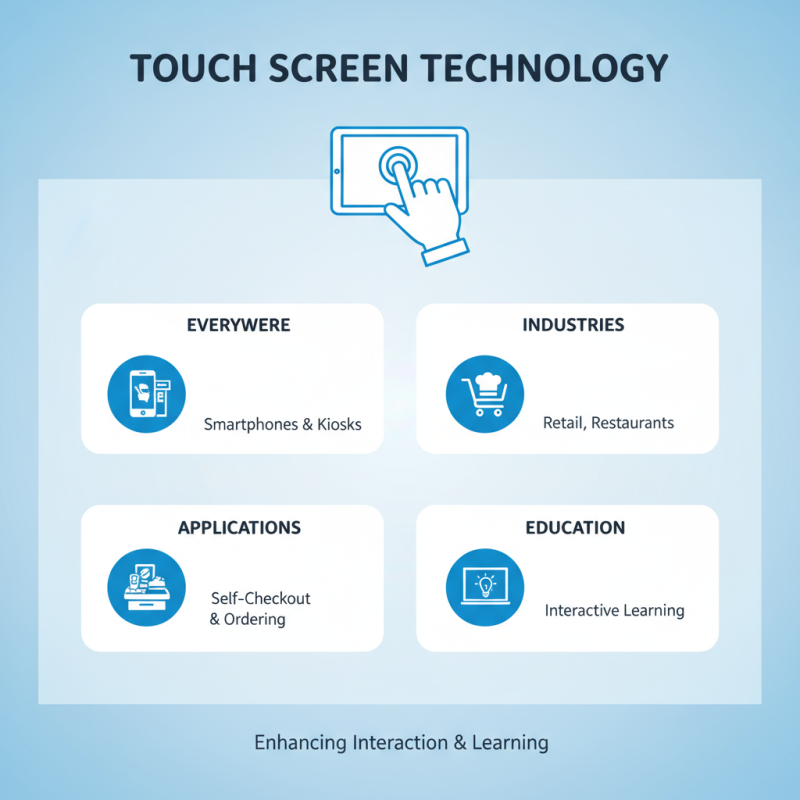
Touch screen technology has transformed how we interact with devices. From smartphones to kiosks, it’s everywhere. Many industries utilize touch screens for their versatility. Retail stores use them for self-checkout systems. Restaurants implement them for ordering. Educational facilities are adopting them in classrooms. They enhance learning with interactive features.
In healthcare, touch screens streamline patient information access. Doctors can quickly check records or update notes at the bedside. This technology improves efficiency and patient care. Yet, issues arise with cleanliness. Touch screens can collect fingerprints and germs. Regular cleaning is essential.
When setting up touch screens in a space, consider the layout. Poor placement can lead to accessibility problems. Make sure everyone can reach and operate the screens comfortably. User training is crucial. Some might struggle or feel overwhelmed. Remind users it’s okay to ask for help. This tech should assist, not frustrate. Keep it simple and intuitive.