What is an Outdoor Computer Monitor and How Does It Work?
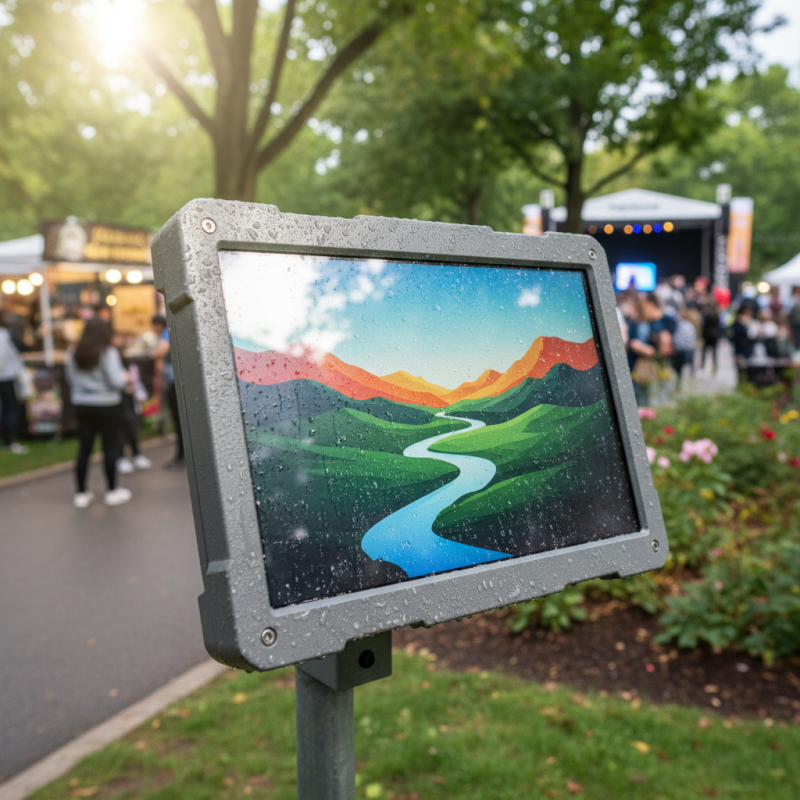
An outdoor computer monitor is designed for various environments. It withstands elements like rain, dust, and direct sunlight. The technology behind these monitors is robust, ensuring visibility even in bright conditions.
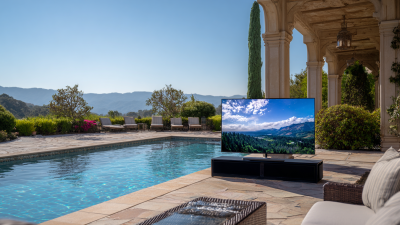
These monitors often feature enhanced brightness levels, making them suitable for outdoor events. They come with weatherproof casings. This construction protects the delicate internals from water and dust. In this way, outdoor computer monitors can serve multiple purposes, from advertising to outdoor workstations.
However, some users find issues with durability and color accuracy over time. Maintenance can be a challenge, too; exposure to extreme weather may affect performance. Reflection and glare can also hinder visibility. Therefore, careful consideration is essential when choosing an outdoor computer monitor.
What Defines an Outdoor Computer Monitor?
Outdoor computer monitors
are designed to function in various weather conditions. They differ significantly from standard monitors. The key features include
high brightness,
anti-glare screens, and robust durability. Many outdoor monitors can handle rain and dust,
thanks to their protective enclosures. This makes them suitable for public displays, sports venues, and outdoor events.
The brightness of outdoor monitors is crucial. Standard monitors might wash out in direct sunlight. In contrast, outdoor versions often reach
brightness levels over 1000 nits. This ensures clear visibility
during the day. The anti-glare technology reduces reflections. Users can view content without straining their eyes. However, setting up these monitors
can be challenging. Proper installation and calibration are essential for optimal performance.
Another critical aspect is temperature resistance. Extreme heat or cold can affect monitor operation. Some models come with built-in
heaters or cooling systems. This adaptability is a significant
advantage. Yet, despite these features, not all outdoor monitors perform perfectly. Regular maintenance is necessary to ensure ongoing functionality.
Overall, understanding these details helps in selecting the right monitor for outdoor use.
Key Features of Outdoor Computer Monitors
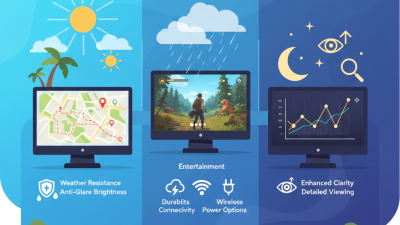
Outdoor computer monitors are specialized displays designed for visibility under bright sunlight. These monitors have unique features that differentiate them from standard indoor displays. One key feature is the high brightness level, often exceeding 2000 nits. This brightness ensures the screen remains visible even in direct sunlight. Additionally, these monitors usually come with anti-glare coatings to reduce reflections.
Another important aspect is their durability. Outdoor monitors are built to withstand harsh weather conditions. They often come with IP ratings that indicate their water and dust resistance. Robust materials are used, ensuring that the monitor can endure rain and humidity. Still, there can be paint chipping or fading over time. Heat resistance is also crucial, as high temperatures can affect performance.
Connectivity options are typically enhanced, enabling easy integration with various devices. However, users might struggle with choosing the right cables for outdoor use. There are also power consumption concerns. Higher brightness levels can lead to increased energy use. Balancing visibility and energy efficiency remains a challenge. Each feature plays a role in ensuring outdoor monitors meet user needs while facing practical limitations.
Key Features of Outdoor Computer Monitors
Understanding the Technology Behind Outdoor Displays
Outdoor computer monitors are designed to withstand various environmental conditions while delivering high visibility. The technology behind these displays includes advanced LCD or LED panels, built to resist UV radiation, moisture, and extreme temperatures. The brightness levels can reach up to 4000 nits, ensuring clarity even in direct sunlight. According to industry reports, the global outdoor display market is expected to grow significantly, with a projected CAGR of over 10% by 2027.
A crucial element is the protective glass. This glass is not only shatter-resistant but also anti-reflective, enhancing visibility under bright conditions. Some monitors use a thermal management system to prevent overheating, which could lead to performance issues. The average lifespan of these displays can exceed 50,000 hours, yet they may still falter under harsh exposure without proper maintenance. Factors such as dust and humidity levels can affect performance.
Connectivity features also play a role. Many outdoor monitors support Wi-Fi and Bluetooth, allowing for easy content updates. However, networks in outdoor settings may be inconsistent, leading to potential challenges. As technology advances, it is essential to address these limitations. Continuous improvements in resolution and durability are required to meet evolving demands in outdoor environments.
Common Use Cases for Outdoor Computer Monitors
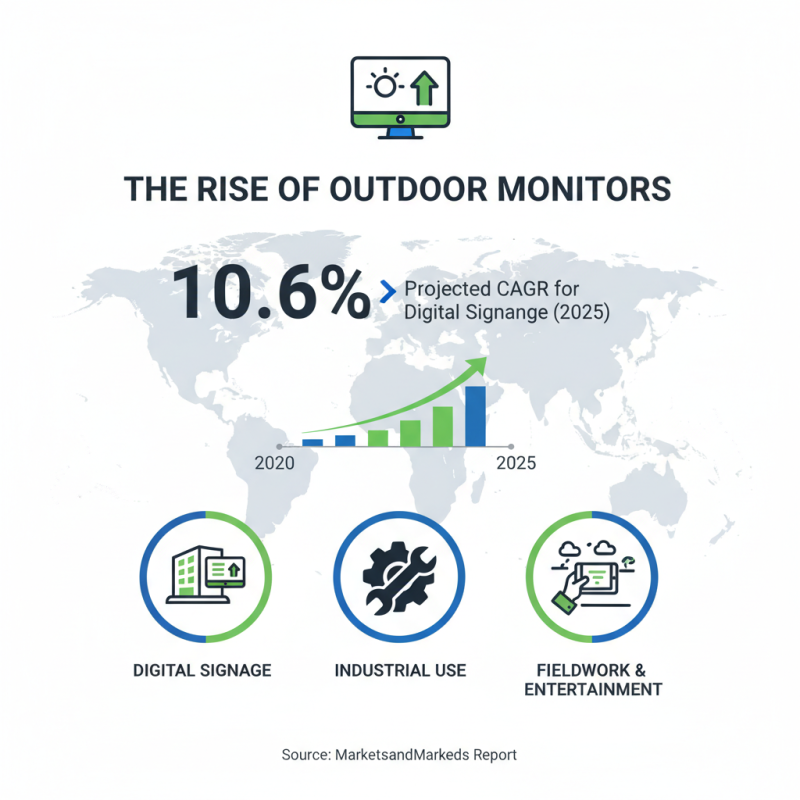
Outdoor computer monitors are increasingly popular in various industries. They cater to specific needs, adjusting to unique environments. For instance, the digital signage market is projected to grow at a compound annual growth rate (CAGR) of 10.6% through 2025, according to a report by MarketsandMarkets. This growth reflects the demand for outdoor displays across many sectors.
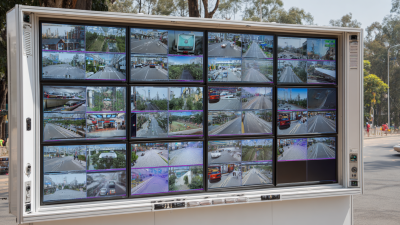
Retail businesses often use outdoor monitors for advertising. These displays capture consumer attention with bright colors and dynamic content. A study by Nielsen shows that 82% of consumers notice digital signage. Additionally, outdoor monitors are used in transportation hubs. Airports and train stations utilize these displays for real-time updates and information. However, maintaining visibility in bright sunlight can be a challenge.
Outdoor monitors also find footing in recreational areas. They enhance visitor experiences in parks or sports venues by displaying schedules and event information. In this context, engaging content is crucial. Yet, environmental factors like rain and extreme temperatures can pose risks. Choosing durable materials is essential but not always prioritized. This can lead to frequent replacements and unexpected costs. It’s a reflection of the industry, often overlooking essential details that affect long-term performance.
Maintenance and Longevity of Outdoor Monitors
Outdoor monitors are designed to withstand harsh conditions. However, they require regular maintenance to prolong their lifespan. Dust and debris can accumulate, affecting display clarity. Regular cleaning with a soft cloth is essential. Make sure to use a mild cleaning solution. This simple act can enhance visibility and overall performance.
Temperature extremes pose another challenge. These monitors may overheat in direct sunlight or freeze in cold weather. It's important to check temperature ranges specified by the manufacturer. If the device operates outside these limits, consider relocating it. Additionally, ensure proper ventilation. This can prevent potential damage and improve performance.
Protective enclosures can be beneficial. These provide an extra layer against the elements. However, they might trap heat if not well-ventilated. It's crucial to find a balance. Regularly inspect the enclosure for any signs of wear. Addressing small issues can prevent larger, more costly problems later on. Remember, an outdoor monitor is an investment. Taking these steps can help ensure it lasts for years.
What is an Outdoor Computer Monitor and How Does It Work? - Maintenance and Longevity of Outdoor Monitors
| Feature |
Description |
Maintenance Tips |
Expected Lifespan |
| Brightness |
Outdoor monitors typically feature high brightness levels (1000 nits or more) to ensure visibility in direct sunlight. |
Regularly check the brightness settings and adjust based on environmental conditions. |
5-7 years |
| Weather Resistance |
Designed to withstand different weather conditions including rain, snow, and extreme temperatures. |
Inspect the sealing and housing for damage; clean the enclosure regularly. |
7-10 years |
| Connectivity |
Most outdoor monitors support HDMI, DisplayPort, and wireless connectivity. |
Ensure cables are secured and protected from the weather, check connections regularly. |
5-10 years depending on use |
| Display Type |
LED and LCD are common display types, with LED generally offering better performance in sunlight. |
Keep the screen clean and avoid scratching the surface. Use proper cleaning solutions. |
5-8 years |
| Cooling System |
Outdoor monitors often have built-in cooling systems to prevent overheating. |
Check cooling vents are not blocked and function properly; clean dust from vents. |
7-10 years |