10 Essential Tips for Choosing the Perfect PC Monitor for Your Needs
In an era where computing power is increasingly essential for both work and leisure, selecting the right PC monitor can significantly enhance your overall experience. As the digital landscape evolves, an array of options is available, ranging from high-refresh-rate gaming monitors to color-accurate screens for graphic design. According to the latest market research by IDC, the global PC monitor market is projected to grow at a
CAGR of 5.3%
from 2023 to 2026, driven by the rising demand for remote work setups and gaming peripherals.
Choosing the perfect PC monitor requires an understanding of your specific needs, whether it be for gaming, professional work, or general use. Features like
resolution, refresh rate, panel type,
and connectivity options play a crucial role in creating a setup that aligns with your requirements. The
2023 Monitor Technology Report
indicates that over
40%
of consumers prioritize resolution and refresh rate when purchasing a monitor, reflecting the critical role these specifications play in optimizing user experience.
As we dive deeper into the decision-making process, it becomes evident that informed choices lead to better productivity, enhanced visual enjoyment, and long-term satisfaction. This article will outline
ten essential tips
to guide you through selecting the perfect PC monitor tailored to your specific needs and preferences in 2025 and beyond.
Understanding Different Types of PC Monitors and Their Features
When it comes to selecting the perfect PC monitor, understanding the different types available is crucial. There are three primary types of monitors: IPS (In-Plane Switching), TN (Twisted Nematic), and VA (Vertical Alignment). IPS monitors are renowned for their superior color accuracy and wide viewing angles, making them ideal for graphic design and professional photo editing. On the downside, they can be more expensive and may have slower response times compared to other types.
TN monitors, on the other hand, are favored for their fast response times and high refresh rates, making them popular among gamers. However, the color reproduction and viewing angles are generally inferior to IPS panels. VA monitors strike a balance between the two, offering better contrast ratios and deeper blacks, which makes them suitable for watching movies or playing games in darker environments. While each type of monitor has its own set of features, knowing the strengths and weaknesses will help you choose a display that meets your specific needs.
10 Essential Tips for Choosing the Perfect PC Monitor for Your Needs
| Feature |
Description |
Recommended For |
| Resolution |
The clarity of the image displayed on the screen. Common resolutions include 1080p, 1440p, and 4K. |
Gamers and Media Creators |
| Refresh Rate |
The number of times the screen refreshes per second, measured in Hz. Higher rates provide smoother visuals. |
Competitive Gamers |
| Panel Type |
Includes IPS, TN, and VA panels, each offering different color accuracy, response times, and viewing angles. |
Designers and Regular Users |
| Size |
Measured diagonally, a larger screen can enhance productivity and immersion. |
Professionals and Gamers |
| Aspect Ratio |
The ratio of the width to the height of the screen. Common ratios include 16:9, 21:9 (ultrawide). |
Multitaskers and Movie Enthusiasts |
| Color Gamut |
Indicates the range of colors a monitor can display. Look for sRGB, Adobe RGB, or DCI-P3 coverage. |
Photographers and Video Editors |
| Connectivity |
Includes HDMI, DisplayPort, USB-C. Ensure compatibility with your devices. |
All users |
| Ergonomics |
Look for adjustable stands and VESA compatibility for better posture and comfort. |
Office Workers |
| Price |
Consider your budget and the features you need. Prices can range widely based on specifications. |
Budget-Conscious Buyers |
Assessing the Ideal Screen Size for Your Workspace and Usage
When selecting the ideal PC monitor, one of the most crucial factors to consider is the screen size. An appropriately sized monitor can enhance your workspace efficiency and overall user experience. A general rule of thumb is to choose a monitor size that corresponds to your specific tasks. For instance, if you're primarily engaged in office tasks like word processing or browsing, a size between 21 to 24 inches may offer optimal comfort without overwhelming your desk space. Conversely, for gaming or graphic design, larger screens ranging from 27 inches and above could provide a more immersive experience.
It’s also essential to assess the distance from which you’ll be viewing the monitor. A larger display may require sitting further away, while smaller screens can be placed closer for comfort and less strain on your eyes. Additionally, consider your desk size and configuration; a bulky monitor can consume valuable workspace and affect your overall ergonomics. Ultimately, finding a balance between screen size and your workspace dimensions will contribute significantly to both productivity and enjoyment while using your PC.
Exploring Resolution Options: Which One is Right for You?
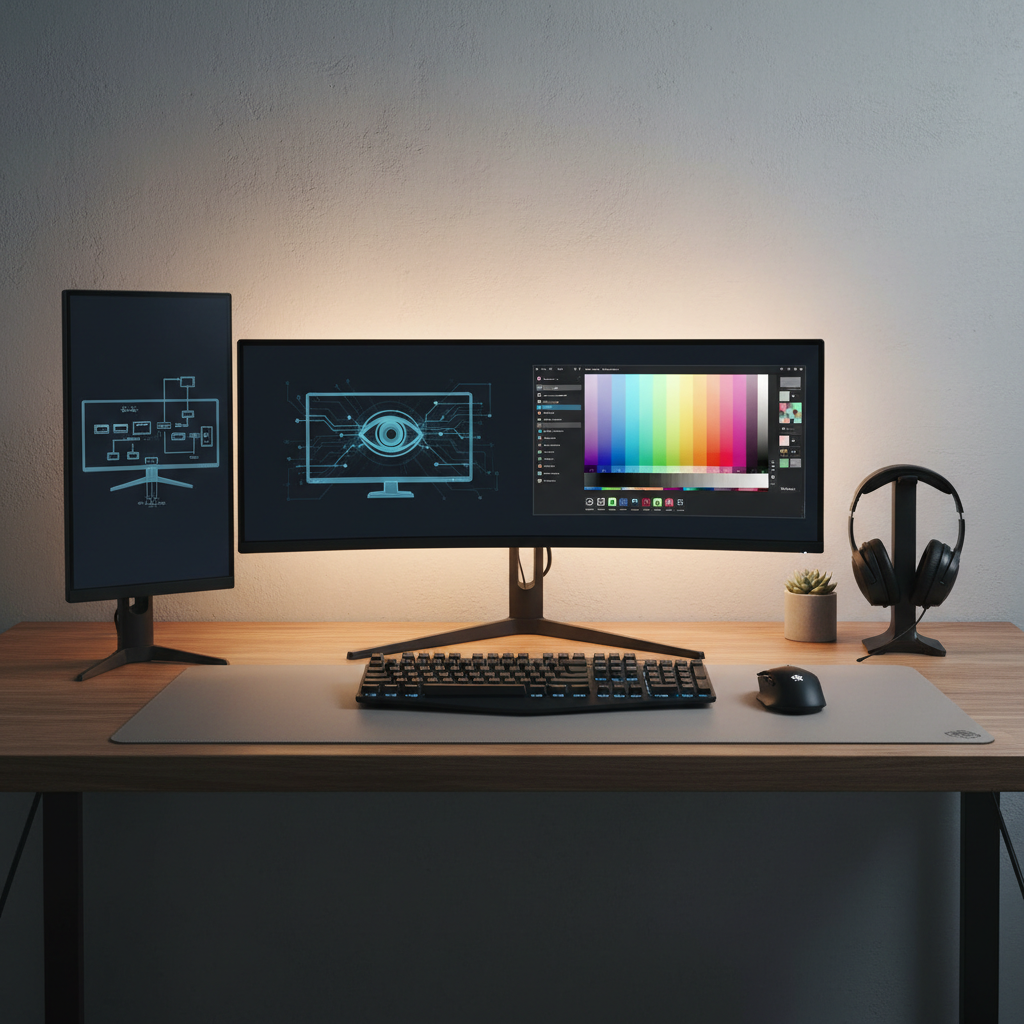 Choosing the right resolution for your PC monitor is crucial to enhancing your overall user experience, whether you're gaming, graphic designing, or just browsing the web. Resolution, typically measured in pixels, determines the clarity and detail of images displayed on your screen. According to a recent industry report by the International Display Alliance, over 70% of consumers emphasize the importance of high-resolution options, with 4K (3840 x 2160) monitors leading the market due to their superior image quality.
When deciding on resolution, consider your primary use case. If you are a gamer, a higher refresh rate coupled with 1440p resolution can provide an optimal balance of performance and sharp imagery. Alternatively, if you are engaged in professional photo or video editing, investing in 4K resolution will give you the detail necessary for precision work.
Tips: Always check if your graphics card can support the desired resolution, as mismatched specifications can lead to subpar performance. Additionally, consider the screen size; a 27-inch monitor at 1440p will deliver a sharper image than a 24-inch at the same resolution. Balancing your budget with these considerations will ensure you select the perfect monitor for your needs.
Key Factors to Consider for Refresh Rates and Response Times
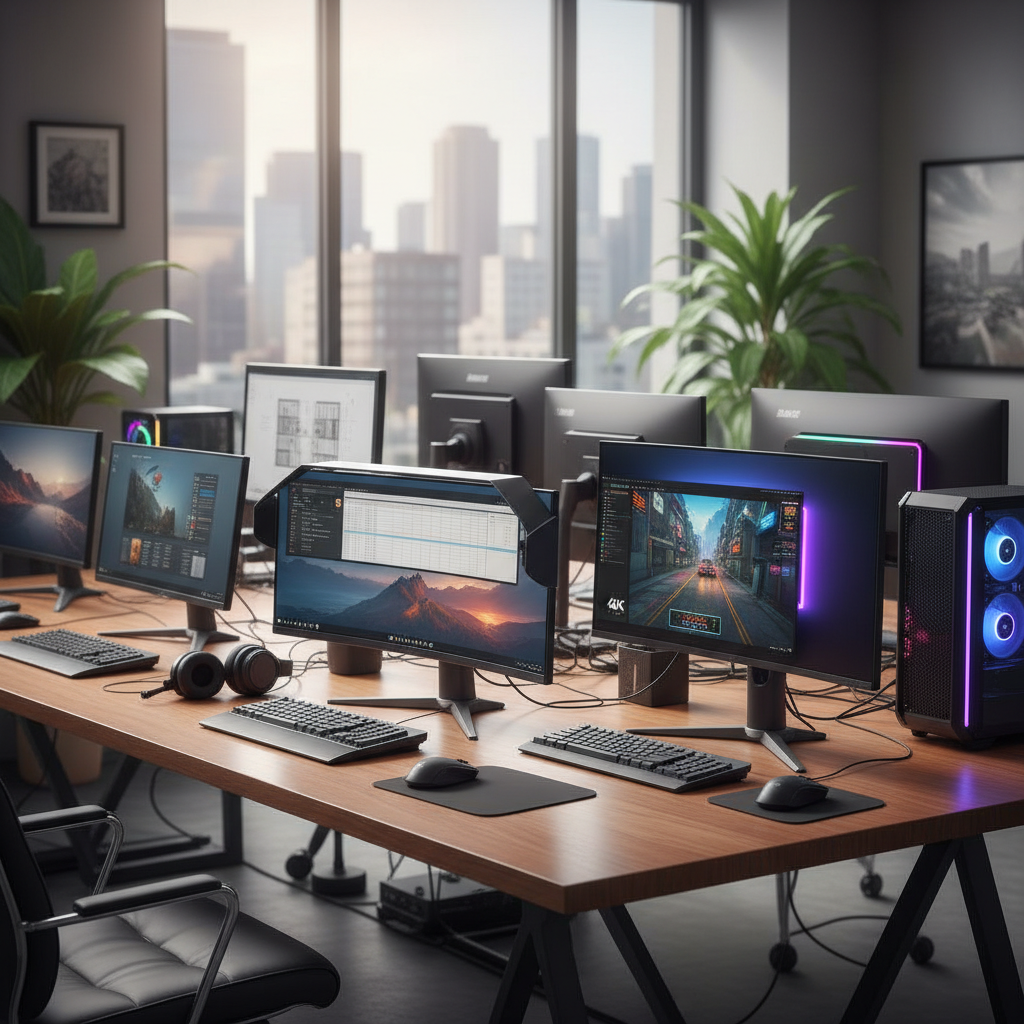 When selecting the perfect PC monitor, understanding refresh rates and response times is crucial. The refresh rate, measured in hertz (Hz), indicates how many times the screen updates per second. For gaming or intensive graphic work, a higher refresh rate—typically 120Hz or more—provides smoother visuals and a more responsive experience. This is particularly important for fast-paced games, where quick reactions can make a significant difference. In contrast, for general tasks such as browsing or office work, a standard 60Hz refresh rate may suffice.
Response time refers to how quickly a pixel can change from one color to another, usually measured in milliseconds (ms). A lower response time is essential for reducing motion blur and ghosting effects, especially in action-packed scenarios. Monitors with a response time of 1ms to 5ms are ideal for gaming, whereas a response time of 5ms to 8ms might be acceptable for everyday use. Balancing these two factors according to your specific needs will help you choose a monitor that delivers an optimal experience tailored to your usage, whether for gaming, design, or standard productivity tasks.
Budgeting Wisely: Finding the Right Monitor Within Your Price Range
When it comes to selecting the perfect PC monitor, budgeting wisely is essential to prevent overspending while ensuring you acquire a display that suits your needs. Start by establishing a clear budget range based on your financial capabilities and the specific features you prioritize in a monitor.
For example, if you need a monitor primarily for office work, you might not require the latest high-refresh-rate display, allowing you to save money for other purposes.
Once you have your budget set, research monitors that fall within that range, focusing on critical specifications such as size, resolution, and panel type. It's important to remember that often, the higher the resolution, the more you might need to spend. However, for many users, a good 1080p or even a 1440p monitor can offer excellent quality without straining your finances.
Consider looking for sales and reviews that highlight good value monitors. This approach enables you to find a solid option that meets your criteria without compromising your budget.