2025 How to Choose the Best LCD Monitor for Gaming and Productivity
In the rapidly evolving world of technology, choosing the right LCD monitor can be a daunting task, especially for gamers and professionals who demand both quality and performance. According to a recent report published by the Display Supply Chain Consultants (DSCC), the LCD monitor market is expected to grow significantly, with shipments projected to reach 150 million units by 2025. This growth is driven by the increasing need for high-resolution displays that enhance user experience in gaming and productivity settings.
Industry expert Dr. Emily Johnson, a noted researcher in display technologies, asserts, "The right LCD monitor not only improves visual clarity but also enhances productivity, making it essential for both gaming enthusiasts and professionals." As the market expands, understanding the key features and specifications of LCD monitors becomes crucial. Gamers often prioritize refresh rates and response times, while professionals may focus on color accuracy and ergonomic design.
In this context, the importance of making informed decisions based on individual needs has never been greater. The right LCD monitor can significantly impact performance and satisfaction, setting the stage for an optimal digital experience. As we explore how to choose the best LCD monitor for gaming and productivity, we will delve into the essential features that cater to these diverse requirements, ensuring users find the perfect fit for their unique needs.
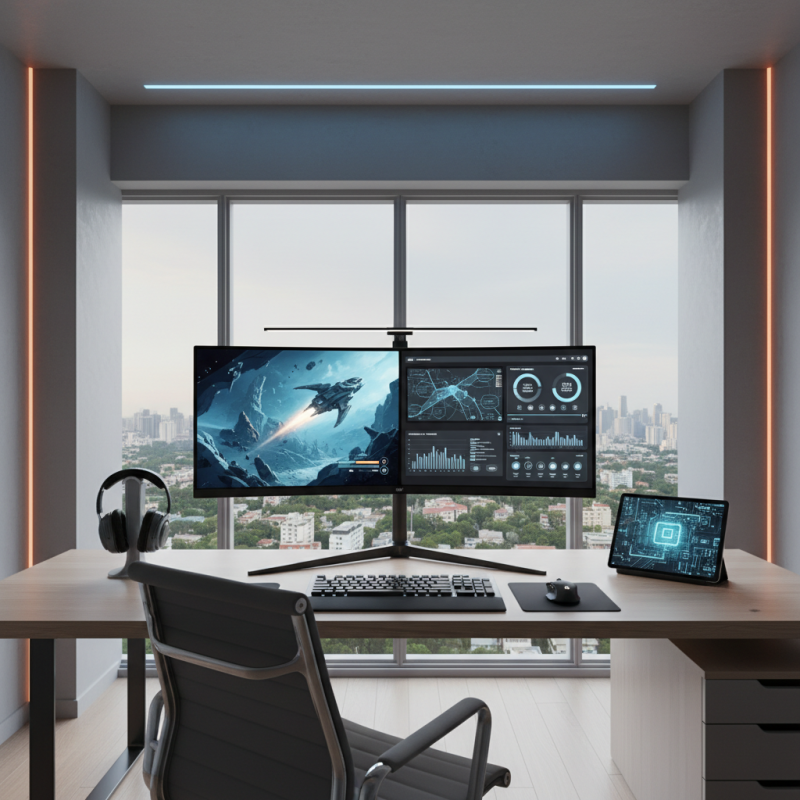
Factors to Consider When Choosing an LCD Monitor for Gaming
When choosing an LCD monitor for gaming, several factors play a crucial role in enhancing both the gaming experience and productivity. First and foremost, the refresh rate is paramount. A higher refresh rate, measured in hertz (Hz), allows for smoother motion and reduces motion blur during fast-paced gaming. For hardcore gamers, a monitor with at least 144Hz is often recommended to ensure an immersive experience. Additionally, response time is essential; a lower response time, typically 1ms to 5ms, minimizes ghosting and provides a clearer picture during rapid movements.
Another critical element to consider is the resolution of the monitor. Higher resolutions, such as 1440p or 4K, offer more detailed visuals, enhancing both gaming aesthetics and productivity for tasks like graphic design or video editing. Furthermore, panel type is influential in determining color accuracy and viewing angles. IPS panels are known for their vibrant colors and wide viewing angles, making them a great choice for both gaming and professional work. Lastly, considering connectivity options and ergonomics is vital—multiple ports and adjustable stands can greatly enhance user comfort and usability, allowing for a better and more productive computing environment.
Resolution and Refresh Rate: Key Metrics for Gaming Performance
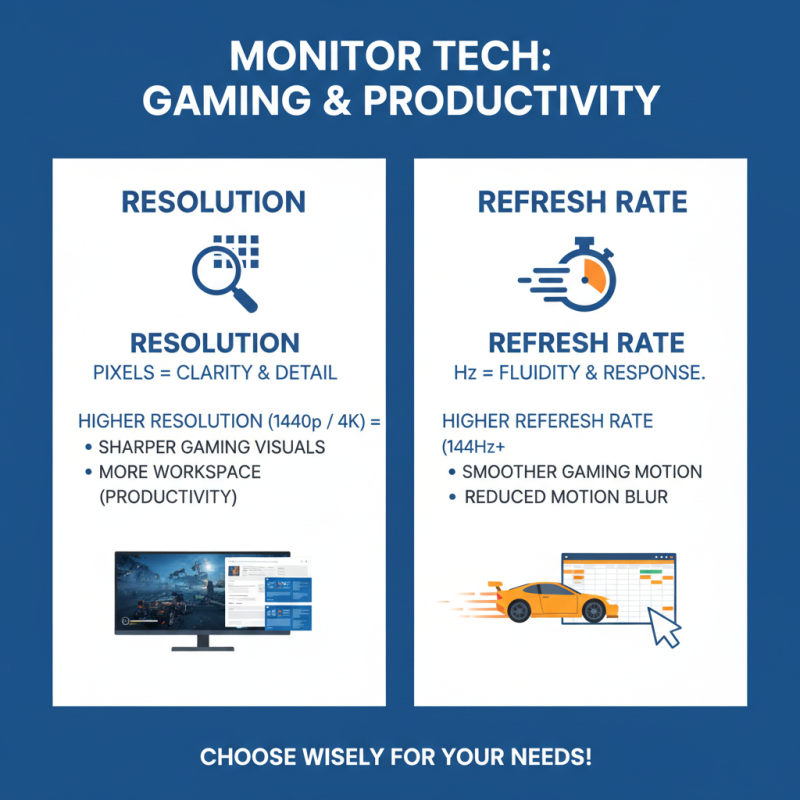
When selecting an LCD monitor tailored for gaming and productivity, understanding resolution and refresh rate is paramount. Resolution refers to the number of pixels displayed on the screen, directly impacting the clarity and detail of the images. A higher resolution, such as 1440p or 4K, allows for sharper visuals and enhances the gaming experience, particularly in detailed environments. For productivity tasks like graphic design or video editing, higher resolution is advantageous, enabling users to see more detail and more workspace at once.
On the other hand, refresh rate measures how many times per second the image on the screen is updated, typically expressed in hertz (Hz). A higher refresh rate, such as 144Hz or 240Hz, provides smoother motion and reduces blurring during fast-paced action, which is crucial for competitive gaming. While a 60Hz monitor may be adequate for casual use, gamers benefit from higher refresh rates that create a more immersive experience. Balancing both resolution and refresh rate can make a significant difference; choosing a monitor that supports fast refresh rates while maintaining high resolution can enhance both gaming performance and productivity immensely.
Panel Types Explained: IPS, TN, and VA for Different Needs
When selecting an LCD monitor for gaming and productivity, understanding the differences between panel types—IPS, TN, and VA—becomes crucial. In a recent report by the International Display Research, it was noted that IPS (In-Plane Switching) panels are highly favored by professionals and gamers alike, accounting for approximately 38% of the market share in high-end monitors. This popularity stems from their superior color accuracy and wider viewing angles. For tasks that demand precise color reproduction, such as graphic design or video editing, an IPS monitor can make a significant difference, boasting a typical color coverage of over 95% sRGB.
On the other hand, TN (Twisted Nematic) panels remain a popular choice for competitive gaming due to their extremely low response times, often as low as 1ms. A report from DisplaySearch indicates that TN panels are preferred by over 30% of esports athletes for their high refresh rates and reduced motion blur, essential for fast-paced gaming scenarios. However, these monitors tend to sacrifice color depth and viewing angles, which might not satisfy users focused on productivity or multimedia applications.
VA (Vertical Alignment) panels strike a balance between the two, offering deeper blacks and better contrast ratios, making them suitable for both gaming and general productivity, particularly in darker environments. According to research by Strategies Unlimited, VA panels hold about 25% of the market share due to their impressive contrast ratios, often exceeding 3000:1, which can enhance the viewing experience in games and movies. Understanding these differences empowers consumers to choose a monitor that aligns with their specific needs, whether that’s color fidelity, speed, or contrast.
Ergonomics and Adjustability: Enhancing Comfort for Productivity
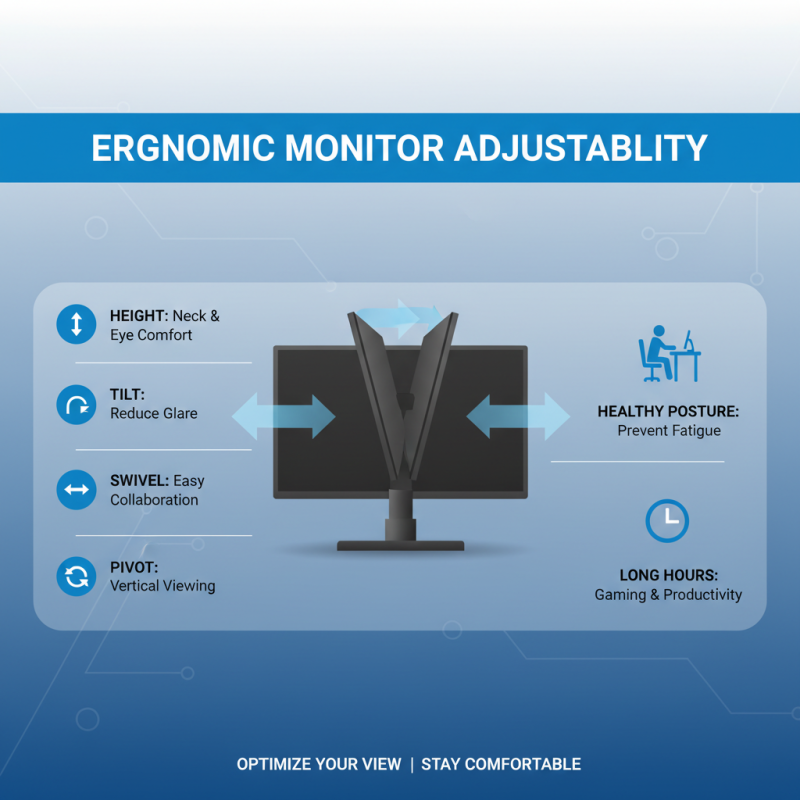
When selecting an LCD monitor, ergonomics and adjustability play a critical role in enhancing comfort, especially for users engaged in long hours of gaming or productivity tasks. A monitor that offers height adjustment, tilt, swivel, and pivot options allows you to customize the viewing experience to reduce strain on your neck and eyes. Proper alignment of the monitor with your line of sight ensures that you maintain a healthy posture, which is essential for preventing fatigue and discomfort during extended use.
In addition to physical adjustments, consider the monitor's screen size and resolution. A larger screen can improve productivity by allowing for multiple windows to be open simultaneously, while higher resolution enhances visual clarity, making it easier to focus on detailed work. Furthermore, features such as blue light filters and flicker-free technology can contribute to minimizing eye strain, making it easier to work or play for longer periods without discomfort. Prioritizing ergonomic features in your monitor selection is not just about comfort; it's also about fostering a more productive and enjoyable user experience.
Connectivity Options: Ensuring Compatibility with Your Devices
When choosing the best LCD monitor for gaming and productivity in 2025, connectivity options play a crucial role in ensuring compatibility with your devices. Today's users demand flexibility, and according to the latest industry reports, over 60% of gamers prefer monitors that offer multiple connection types, such as HDMI, DisplayPort, and USB-C. Each of these options serves different purposes—HDMI is quintessential for console gaming, while DisplayPort often provides superior refresh rates and resolutions, making it ideal for PC gaming setups.
Moreover, with the rise of remote work and multi-device configurations, the necessity of versatile connectivity cannot be overstated. Research from a leading tech analysis firm indicates that monitors with built-in USB hubs can significantly enhance productivity by allowing users to connect peripherals directly to their screens, minimizing desk clutter.
Besides, the inclusion of features like daisy chaining via DisplayPort can help users extend their display across multiple monitors, accommodating complex workflows and enhancing both gaming and professional productivity. A well-connected monitor is not just about performance; it's about seamless integration into a user’s lifestyle.