Top 10 Best Computer Screens for Enhanced Performance and Stunning Visuals
In the rapidly evolving realm of technology, the significance of a high-quality computer screen cannot be overstated. A computer screen serves as the bridge between the user and the digital world, transforming how we interact with information, media, and applications. Whether it's for gaming, graphic design, or general everyday use, the right computer screen can enhance performance and deliver stunning visuals, providing an immersive experience that elevates productivity and creativity.
With a myriad of options available, selecting the best computer screen might seem daunting. Features such as resolution, refresh rate, color accuracy, and size play crucial roles in defining the effectiveness of a display. As technology advances, screens have transitioned from basic displays to sophisticated devices that support a wide array of functionalities, catering to the varying needs of users across different domains.
In this article, we will explore the top 10 best computer screens currently available on the market, each chosen for its superior performance and visual excellence. Whether you are a professional in need of precision or a casual user seeking entertainment, this comprehensive guide will aid you in making an informed decision that aligns with your requirements. Join us as we delve into what makes these computer screens stand out in today's competitive landscape.
Top 10 Computer Monitors for Gamers: Display Refresh Rates and Response Times Explored
When it comes to an immersive gaming experience, the display refresh rate and response time of computer monitors are critical factors that can make or break performance. According to a report by the International Journal of Human-Computer Interaction, monitors with higher refresh rates, such as 144Hz and 240Hz, provide a smoother visual experience, reducing motion blur and enhancing gameplay responsiveness. Gamers, particularly those playing fast-paced first-person shooters, often prefer 240Hz displays as they offer virtually instantaneous feedback, translating to a competitive advantage.
In addition to refresh rates, response times play a significant role in monitor performance. A study by DisplayMate Technologies shows that a response time of 1 millisecond (ms) is ideal for gamers, as it minimizes ghosting effects when transitioning between fast-moving scenes. Monitors that boast both low response times and high refresh rates are increasingly popular among esports professionals, as they allow for precise aiming and quick reactions during gameplay. By focusing on these specifications, gamers can elevate their performance and achieve stunning visuals that truly enhance their gaming experience.
Top 10 Best Computer Screens for Enhanced Performance and Stunning Visuals
| Model |
Screen Size |
Resolution |
Refresh Rate |
Response Time |
Panel Type |
| 24" Ultra Monitor |
24 inches |
1920 x 1080 |
144 Hz |
1 ms |
IPS |
| 27" Gaming Display |
27 inches |
2560 x 1440 |
165 Hz |
3 ms |
TN |
| 32" Ultra HD Panel |
32 inches |
3840 x 2160 |
60 Hz |
4 ms |
VA |
| 34" Curved Screen |
34 inches |
3440 x 1440 |
120 Hz |
5 ms |
IPS |
| 27" Professional Monitor |
27 inches |
1920 x 1080 |
75 Hz |
6 ms |
IPS |
| 24" Budget Monitor |
24 inches |
1920 x 1080 |
60 Hz |
8 ms |
TN |
| 29" Ultrawide Monitor |
29 inches |
2560 x 1080 |
75 Hz |
5 ms |
VA |
| 27" Color Accurate Monitor |
27 inches |
2560 x 1440 |
60 Hz |
4 ms |
IPS |
| 21" Compact Screen |
21 inches |
1920 x 1080 |
60 Hz |
7 ms |
TN |
The Influence of Color Accuracy: Understanding sRGB, AdobeRGB, and DCI-P3 Standards
When selecting a computer screen for optimal performance, understanding color accuracy is fundamental. The three main color standards—sRGB, AdobeRGB, and DCI-P3—serve as benchmarks that influence how color is rendered across devices. sRGB is the most commonly used standard, especially for web content, as it offers a good balance between quality and compatibility. Displays adhering to this standard are well-suited for general use, allowing vibrant colors that are consistent across various platforms.
However, for professionals in photography, graphic design, and video production, AdobeRGB and DCI-P3 provide extended color gamuts that allow for more intricate shades and greater fidelity. AdobeRGB captures a wider spectrum of colors, particularly in the green and cyan ranges, making it ideal for print applications. Conversely, DCI-P3 is tailored for the film industry, offering lively and accurate color reproductions that enhance cinematic experiences. Choosing a display that supports these higher standards can significantly impact the visual outcome and overall work efficiency in color-critical tasks.
Ergonomics in Screen Design: The Importance of Adjustable Stands for User Comfort
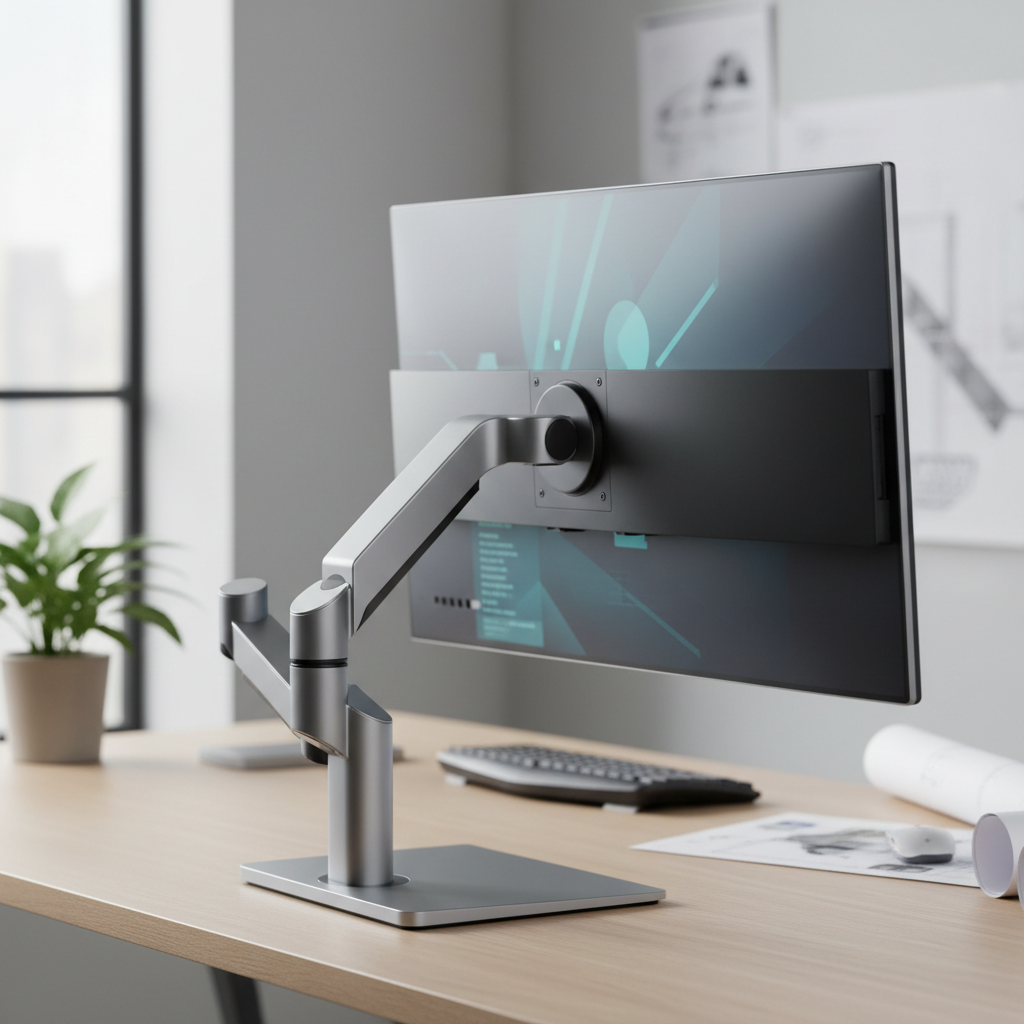
In today's fast-paced digital environment, the design and ergonomics of computer screens are crucial for user comfort and productivity. Adjustable stands have emerged as a vital feature that enhances the ergonomics of monitors. According to a 2022 report from the International Ergonomics Association, proper screen positioning can reduce neck and back strain by up to 50%, highlighting the critical role that adjustable stands play in promoting user health. Users can tailor their screen height and angle, ensuring that their line of sight is level with the top of the monitor, which helps minimize discomfort during prolonged usage.
Moreover, the benefits of ergonomic designs extend beyond physical comfort; they can also enhance overall performance. A study conducted by the Human Factors and Ergonomics Society found that employees who utilize adjustable monitors experience a 15% increase in productivity compared to those with fixed screens. This is largely attributed to the ability to frequently adjust screen settings, promoting better posture and reducing fatigue. As consumers increasingly recognize the importance of ergonomics in screen design, manufacturers are prioritizing features that cater to user needs, ultimately leading to a more comfortable and efficient workspace.
The Rise of Ultrawide Monitors: Impact on Productivity and Multitasking Capabilities
The recent surge in ultrawide monitors has revolutionized the way we approach productivity and multitasking. With an expansive screen real estate, these monitors provide a seamless experience that allows users to have multiple applications open side by side without the distraction of bezels interrupting their workflow. This configuration is particularly beneficial for professionals who depend on data analysis, graphic design, and video editing, where detailed visibility and the ability to reference multiple sources simultaneously can significantly enhance efficiency.
Moreover, ultrawide monitors have the added advantage of immersive visuals, appealing to gamers and content creators alike. The wider aspect ratio creates a more engaging experience, whether one is immersed in a game or meticulously editing a video project. By eliminating the need for dual setups, these monitors not only declutter the workspace but also streamline the user's focus, fostering a more productive environment. As the demand for flexible and efficient workspaces continues to rise, ultrawide monitors are undoubtedly becoming a cornerstone of modern computing setups.
Top 10 Best Computer Screens for Enhanced Performance and Stunning Visuals
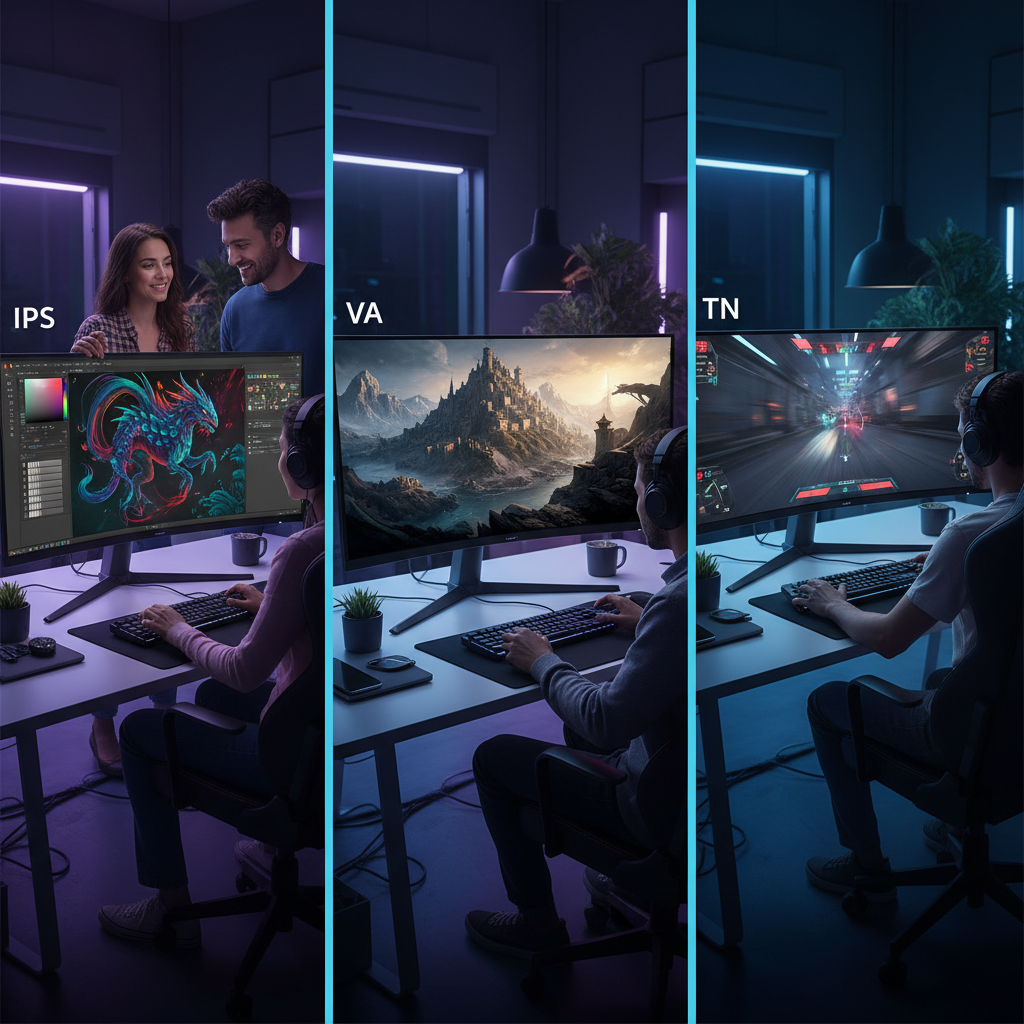
Evaluating Panel Types: IPS vs. VA vs. TN for Diverse Use Cases in 2025
When choosing a computer screen in 2025, understanding the distinct panel types—IPS, VA, and TN—is crucial for enhanced performance and stunning visuals.
IPS (In-Plane Switching) panels stand out for their superior color accuracy and wide viewing angles. This makes them ideal for graphic designers and content creators who require precise color representations. The responsiveness of IPS technology has also improved, catering to gamers seeking immersive experiences without compromising on visual fidelity.
VA (Vertical Alignment) panels, on the other hand, offer impressive contrast ratios and deeper blacks, making them suitable for cinematic uses and office environments where darker hues are prevalent. While they may not match IPS in terms of color accuracy, VA panels excel in delivering vibrant imagery, particularly in darker scenes.
Lastly, TN (Twisted Nematic) panels are known for their fast response times and lower production costs, making them a popular choice among competitive gamers who prioritize speed over color quality. However, they compromise on color reproduction and viewing angles.
Evaluating these panel types based on individual use cases can guide consumers toward screens that optimize their visual experience and overall performance.